Cline
This tool is no longer in active use. Observations from evaluation in 2025 and early 2026.
Overview
Cline is a VS Code extension for AI-assisted coding that provides autonomous multi-step task execution. It can read and write files, execute terminal commands, and interact with language servers, operating with agentic behavior within the editor.
Review context
Strengths
- Autonomous multi-step task execution within the editor, capable of complex workflows.
- Good integration with VS Code language server protocol for code understanding.
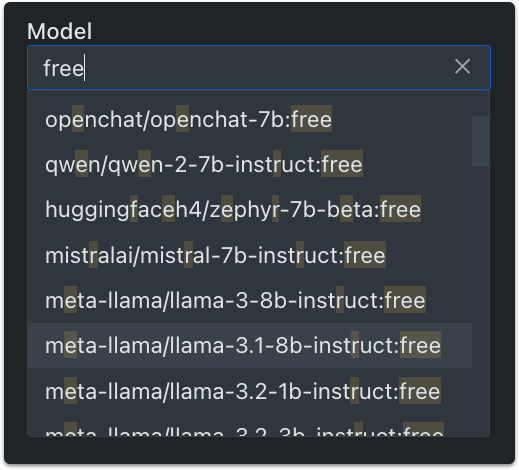
- Supports multiple LLM providers including OpenAI, Anthropic, and local models.
- Transparent execution model showing planned actions before execution.
- Active development with regular updates.
Limitations
- Tied to VS Code. Not usable in other editors or as a standalone terminal agent.
- Autonomous behavior can be unpredictable, especially on complex tasks.
- Resource usage is high during indexing and analysis on larger projects.
- Code quality varies significantly between different backend models.
Where it fits
Cline is appropriate for VS Code users who want an autonomous coding assistant for multi-step tasks within the editor. Its strength is automated refactoring and code generation where the transparent execution model allows reviewing planned actions before they execute.
Current assessment
Cline is a capable autonomous coding assistant for VS Code. Its multi-step task execution can be impressive for well-defined tasks. The primary limitations are VS Code dependency and variable reliability on complex or ambiguous tasks.
Reference
Revision history
2026-07 Rewritten.
2026-06 Published.